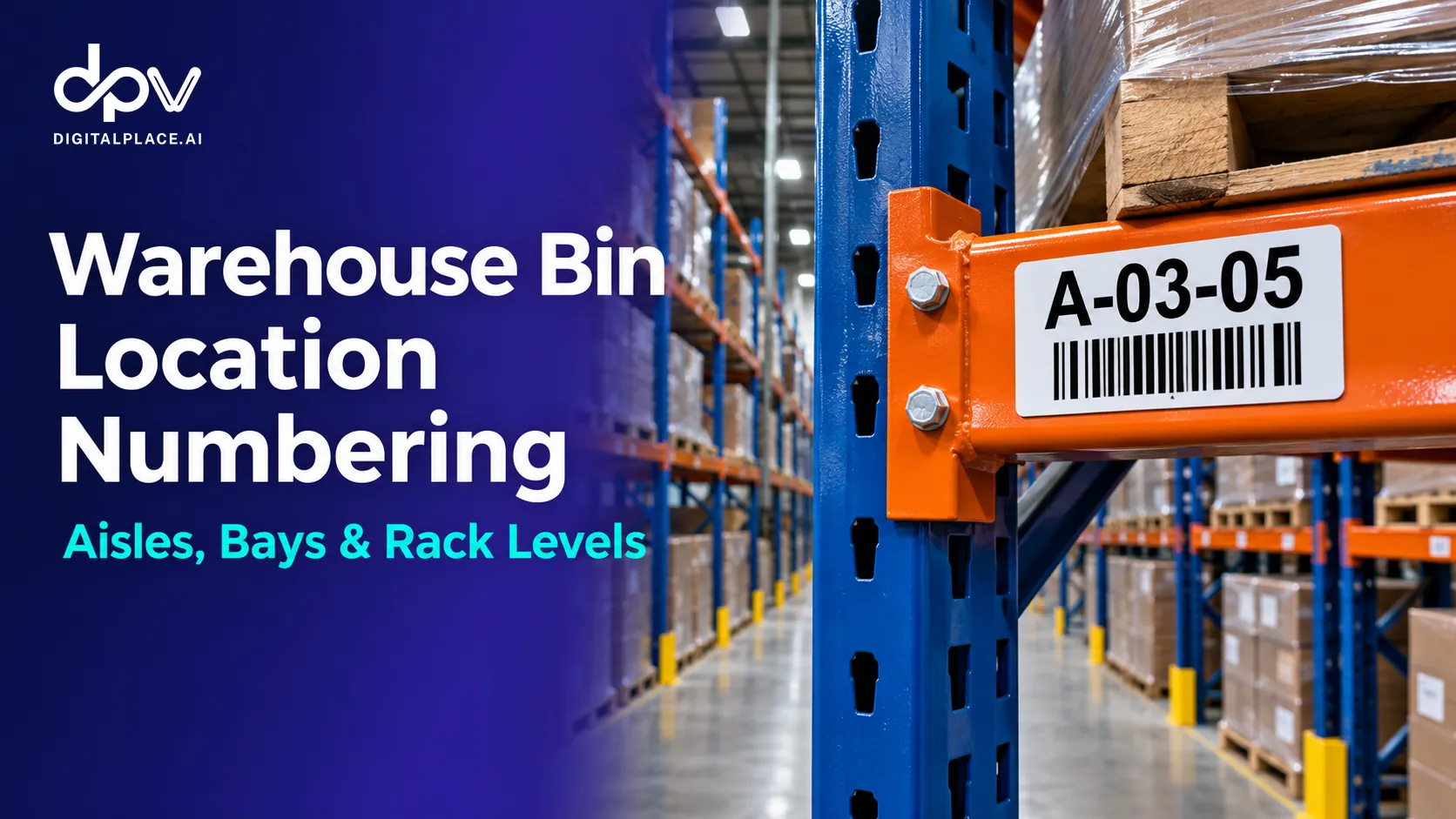

A pallet of cooking oil has arrived at the dock. When can a picker rely on the rack location shown in the warehouse management system (WMS)?
For an order picked from storage, the answer is when the warehouse has confirmed where that pallet was actually placed and released the stock for picking. A receiving scan tells the team the goods arrived. An assigned bin tells the operator where to take them. Neither event, on its own, tells the picker where to find them.
Warehouse putaway is the process of moving received goods from the dock or staging area into a suitable storage location and recording their actual destination. Follow one pallet through four steps to see how a small decision at the rack can affect the next order.
The warehouse putaway process in four steps
In this example, pallet P-1048 carries 48 cartons of cooking oil. The warehouse picks full pallets from storage, and the goods have passed the receiving checks.
| Step | What happens to P-1048 | What the team knows |
|---|---|---|
| 1. Receive the goods | Receiving checks the delivery and records 48 cartons against P-1048. | The pallet has arrived and is in inbound staging. |
| 2. Assign a bin | The WMS directs the operator to A-03-04. | A-03-04 is the planned destination. |
| 3. Store the pallet | The operator finds A-03-04 occupied and reports the exception. The supervisor approves the adjacent bay, A-03-05, and the operator places P-1048 there. | The pallet is physically in A-03-05. |
| 4. Confirm the actual location | At A-03-05, the operator scans the pallet identifier and the destination label, then completes the task. | The WMS records P-1048 in A-03-05. Picking can use that location once the stock is released. |
Step 1. Receive the goods and identify the pallet
At the dock, the receiving team checks the item, quantity, and condition against the expected delivery. It records the 48 cartons against pallet ID P-1048 and places the pallet in inbound staging. Keeping that identifier with the load lets the next operator distinguish it from an identical-looking pallet received earlier.
At this point, a supervisor can answer “Did the cooking oil arrive?” If a picker asks “Which rack should I go to?”, the last confirmed location is still staging. That distinction matters when an order is waiting for an inbound delivery.
Step 2. Assign a bin that can take the load
A bin is an address in the warehouse. Depending on the site, it could identify a shelf compartment, a floor position, or a pallet position in a rack. In this example, A-03-04 and A-03-05 identify adjacent bays. Each warehouse defines its own numbering convention.
Before assigning A-03-04, the team needs to know whether the position is suitable for this load. Can it accommodate the pallet’s dimensions and weight? Is it in the right storage zone? Is it available for this receipt, or has another inbound task already reserved it?
A simple distinction helps here: an empty position can still be unavailable. A bay blocked for repair, for example, should stay out of the putaway plan even when there is plenty of visible space.
Step 3. Handle an occupied bin before completing the move
The operator arrives at A-03-04 and finds another pallet there. The next bay, A-03-05, is empty. Moving P-1048 one bay over may seem like an easy way to clear the aisle. The mistake would be placing it there and closing the original task against A-03-04.
The operator reports the occupied destination. The supervisor checks that A-03-05 is suitable and available, then authorizes the change. The operator reads the full code on the rack label and places P-1048 in the approved bay. The unexpected pallet at A-03-04 becomes a separate issue for inventory control to investigate.
Why separate the two issues? The team already has enough information to store the incoming pallet correctly. It still needs evidence to establish which pallet occupies the original bay and how it got there. Digitalplace.ai illustrates this in its guide to misplaced pallets and empty rack locations. Drone Checks
Step 4. Confirm the pallet at its actual destination
At A-03-05, the operator scans the identifier on P-1048 and the location label at the rack. Recording those two identifiers together answers the picker’s question: which pallet is in which position?
The timing matters. If the operator scans the planned destination from a printed task sheet before reaching the rack, the record can still say A-03-04 even after the pallet goes into A-03-05. Scanning the destination label where the pallet is placed ties the confirmation to the location the operator actually used.
Completing putaway also gives receiving and picking a clear handover. The next shift can see where P-1048 was stored. If the goods are on a quality hold, the location can be accurate while the stock remains unavailable to pick.
What does a putaway error look like to a picker?
Suppose the operator puts P-1048 in A-03-05 but confirms A-03-04 by mistake. An hour later, a picker goes to A-03-04. There is a pallet of cooking oil there, so the bay looks right. Only when the picker checks the identifier does the problem become obvious: it is a different pallet.
The warehouse can still have the correct total number of cartons. Adjusting the stock quantity would introduce a second error. The useful first checks are the pallet ID at each bay, the completed putaway task, and any moves recorded afterward. Those checks help the supervisor decide whether to correct the location record or arrange a physical move.
Where an inventory drone fits after putaway
A later rack check can catch a location error before a picker encounters it. For example, if a readable QR label on an outward-facing carton is linked to P-1048, a scan at A-03-05 gives the inventory team an observation to compare with the pallet’s WMS location. A mismatch flags the bay for review. The observation alone cannot establish whether the original putaway was wrong or someone moved the pallet afterward. digitalplace.ai
For a warehouse evaluating InfiniDrone from Digitalplace.ai, a useful pilot is to choose one high-bay aisle, check it after a receiving shift, and record how many location discrepancies staff can resolve before the next picking wave. Keep unreadable carton labels in a separate review list so that a failed scan does not get recorded as an empty bay.
How to measure putaway speed and accuracy together
Two measures help a supervisor see whether pallets are reaching the rack promptly and whether pickers can find them afterward.
| Measure | How to calculate it | Worked example |
|---|---|---|
| Receipt-to-confirmation time | Time the actual bin was confirmed minus time the goods were received | P-1048 was received at 9:05 a.m. and confirmed in A-03-05 at 9:42 a.m. The elapsed time was 37 minutes. |
| Putaway location accuracy | Verified putaway tasks where the recorded pallet and bin match the physical placement ÷ total putaway tasks verified × 100 | The team checks 50 completed tasks before any subsequent moves. In 48 cases, the pallet is in the recorded bin. Location accuracy for that sample is 96%. |
An approved change of destination can count as an accurate putaway. P-1048 was assigned to A-03-04, stored in A-03-05, and correctly confirmed in A-03-05. If supervisors want to know how often operators find their first assigned bin occupied, they can track those exceptions separately. That gives them a way to improve bin assignment without penalizing an operator who handled the exception correctly.
For the picking team, a useful handover is one sentence: “P-1048, 48 cartons of cooking oil, confirmed in A-03-05 at 9:42 a.m. and released for picking.” It gives the next person the identity, quantity, location, and status needed to act.