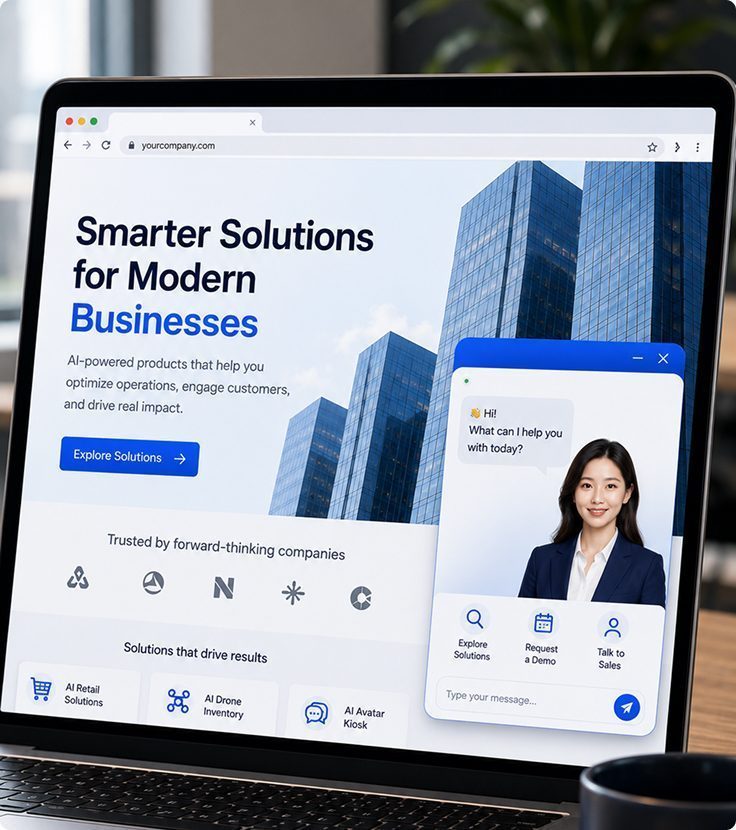
AI Avatars for Customer and Visitor Assistance in Singapore
Customers and visitors can ask your AI avatar for directions, service information or answers to common questions through your website or an on-site kiosk.
Answer Everyday Questions at Your Singapore Location
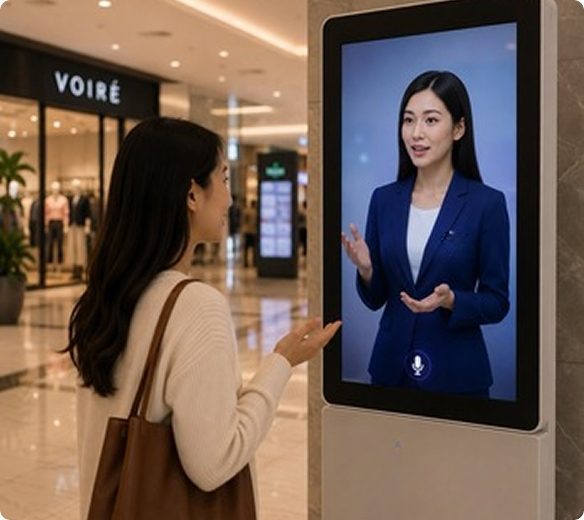
“Which MRT exit is closest?” “Where do I register for my appointment?” “Is this service available on Saturdays?” An AI avatar can answer questions like these using information specific to your location. Customers and visitors can ask online or at an on-site kiosk, giving your staff more time to help people who need personal assistance.
The Technology Behind AI Avatar
A Clear Next Step
When a visitor asks where to register, a floor number may only get them halfway there. The avatar can name the lift lobby, the level and the counter to look for.
Information for Each Location
Two outlets may have different opening hours, services or promotions. Give the avatar the details for each outlet so a customer gets the answer for the branch they plan to visit.
Questions in Everyday Language
A shopper can ask, “Does the members’ offer apply to the smaller pack?” The avatar uses the offer details your team provides to explain which sizes qualify.
Help Shoppers Choose Before They Reach the Checkout
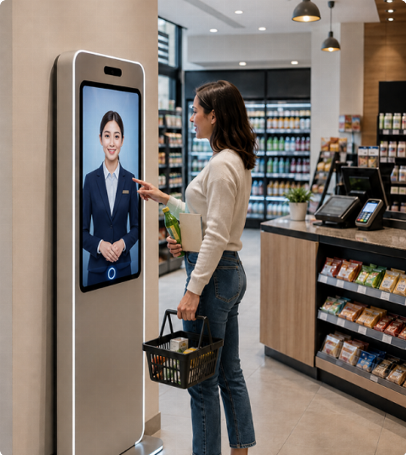
Help shoppers get product, promotion, and store information through a conversational AI avatar—while reducing repetitive inquiries for frontline staff.
Promotion Terms
Explain which pack sizes qualify, how long the offer runs and whether shoppers need to scan a membership card at checkout
Quick Answers on the Shop Floor
Shoppers can check accepted payment methods or find the service counter while cashiers continue serving the queue.
Product Comparisons
If a shopper asks for an unsweetened drink, the avatar can suggest options from the outlet’s catalogue and explain how the pack sizes differ.
Store & Service Assistance
Provide quick answers about product locations, membership programs, payment options, returns, and other store services.
Help Mall Visitors Find the Right Place Before Their Next Stop
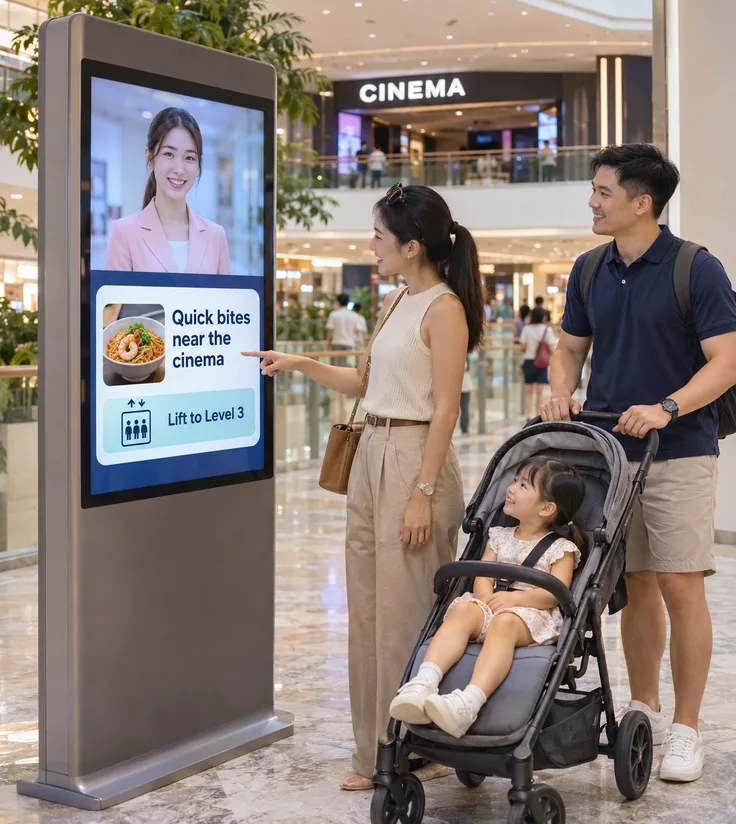
A family with half an hour before a film might ask, “Where can we have a quick meal near the cinema?” A mall directory lists tenants alphabetically. An AI avatar can use the dining directory and floor guide to suggest nearby options and explain how to get there with a stroller
Find a Tenant by What You Need
Visitors can ask where to buy a phone charger or find a child-friendly restaurant, even when they do not know the shop name.
Check Which Offers Apply
Explain which tenants are participating in a promotion, the minimum spend and where shoppers can redeem an offer.
Routes Through the Mall
Give directions from a named entrance or lobby. For visitors with a pram or wheelchair, include the lift route provided by mall management.
Parking and Visitor Services
Answer practical questions such as “Where do I redeem parking?” or “Which level has a nursing room?” using the mall’s own visitor guide.
Guide First-Time Visitors from the Lobby to Their Meeting
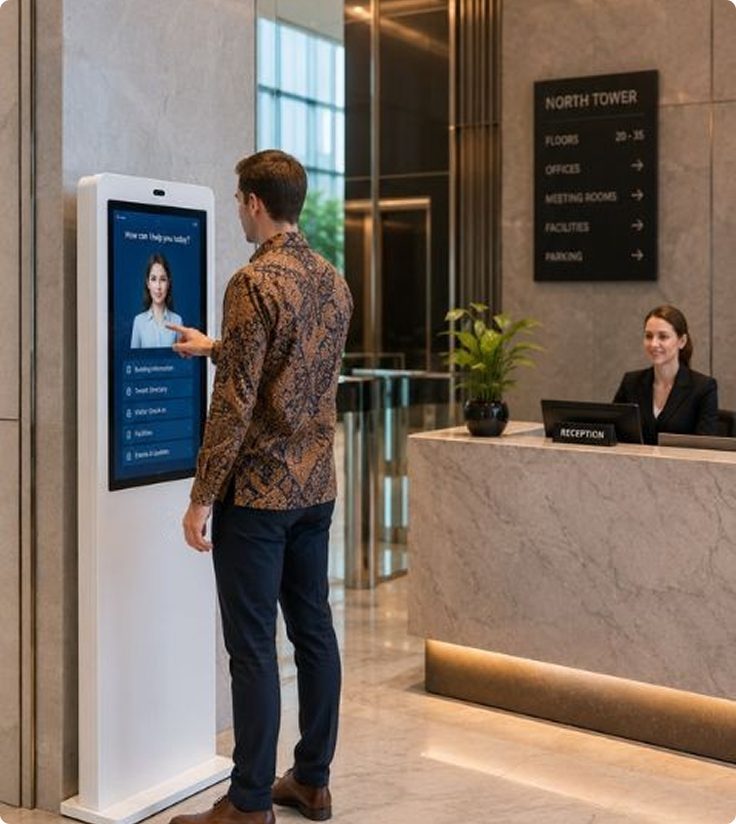
A meeting invitation may give a company name and floor without telling a visitor which tower entrance to use. Before arrival, the website avatar can explain where to check in. At the lobby kiosk, visitors can ask which reception desk or lift bank serves their host’s office.
Check-In Instructions
Where host notifications are enabled, the check-in process can alert the person expecting the visitor and tell the visitor where to wait.
Tower and Lift Directions
Use the tenant’s tower, floor and lift bank to give directions that a first-time visitor can follow from the lobby.
Let the Host Know
Notify the host upon arrival and share verified visitor details with the tenant for a smoother, more connected check-in experience.
After-Hours Arrivals
Someone arriving for an evening meeting can check which entrance is open, where to report and how to reach building reception.
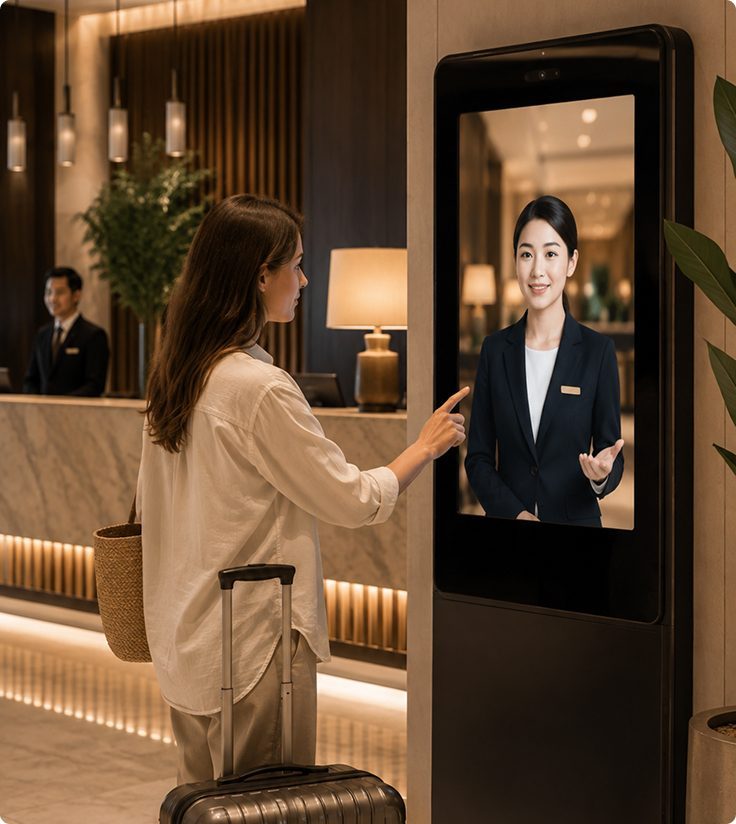
Help guests access hotel information, services, directions, and recommendations through a conversational AI avatar—while reducing repetitive inquiries for frontline staff.
Late Arrival Information
Guests arriving after midnight can check which entrance to use and where to find the night reception desk.
Breakfast and Hotel Facilities
Answer the details guests need to plan their morning, such as where breakfast is served, when the pool opens and which lift serves the gym.
Guest Questions in Supported Languages
Guests can ask about luggage storage, breakfast or check-out in a language enabled by the hotel. Each answer should reflect the same property policy.
Requests for the Front Desk
For a late check-out or room change, explain how to contact the front desk so staff can confirm availability for that guest’s stay.
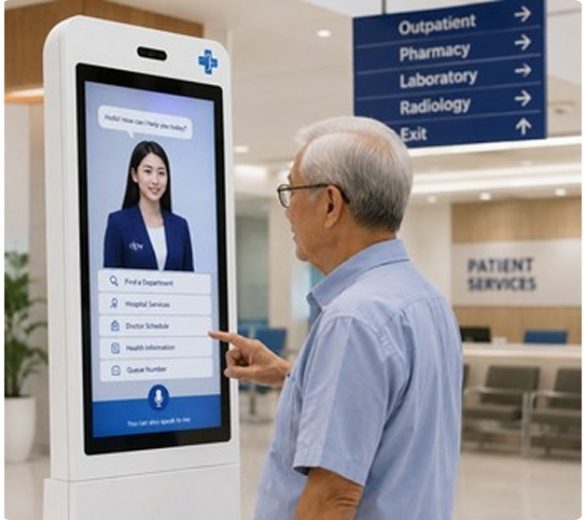
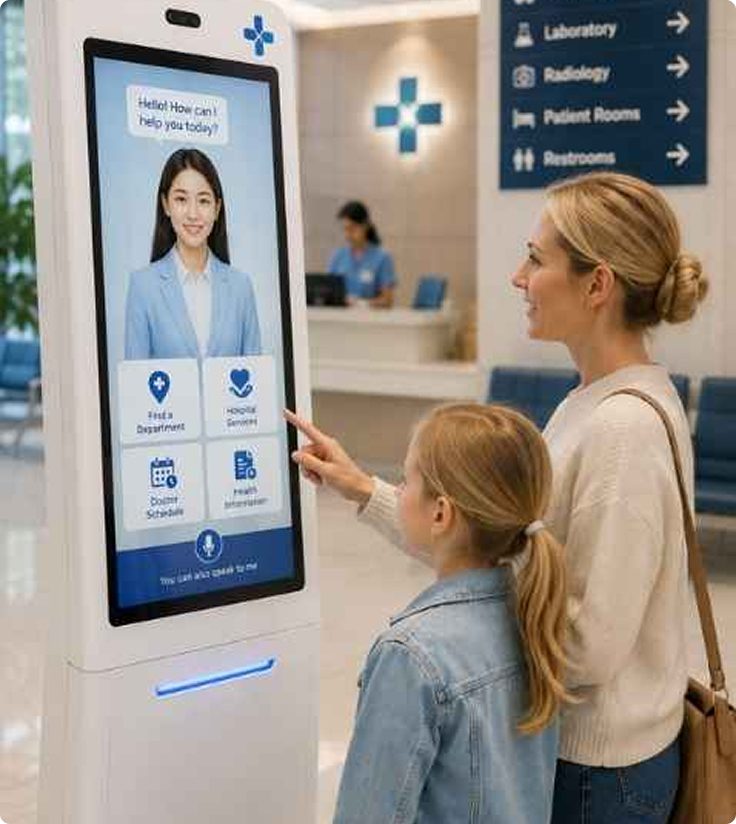
An appointment letter may name a clinic, but a first-time patient may still need to know which block to enter and whether to register before going upstairs. An avatar on the hospital website or at the entrance kiosk can explain that journey using the hospital’s visitor information.
Clinic and Registration Counters
Help a patient match the clinic name on their appointment letter to the correct block, level and registration counter.
Routes Between Facilities
Give directions for the next part of a visit, such as getting from the specialist clinic to the outpatient pharmacy or pick-up point.
Clinic Hours and Appointment Enquiries
Share published clinic hours and direct patients to the appointment desk for questions about their own booking or a change of date.
Information for Family Visitors
Family members can check ward visiting hours, visitor registration steps and the entrance to use before travelling to the hospital.
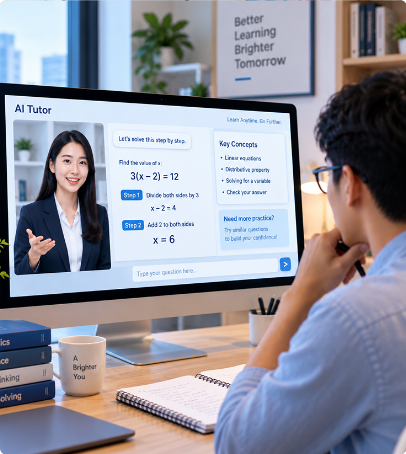
Provide learners with personalized, on-demand support for questions, learning materials, and training—while making teaching and training more scalable.
24/7 Guided Learning
Give students access to explanations and clarification anytime, beyond classroom and lecturer hours.
Personalized Learning Support
Adapt explanations and guidance to each student’s questions, understanding, and learning needs.
Progress & Learning Gap Tracking
Track learning progress and identify topics where students may need additional support.
Scalable Teaching Support
Support more students without requiring the same increase in lecturer workload or academic support capacity.
Your AI Avatar, Built for Every Interaction
A customizable AI avatar that can engage, assist, and guide customers across digital and physical spaces.
24/7
Availability
A customizable AI avatar that can engage, assist, and guide customers across digital and physical spaces.
100%
Customizable
Customize the avatar, knowledge, personality, & experience for your brand.
Custom Knowledge & Responses
Dynamic, Natural Gestures & Expressions
API & System Integration
FAQ
Frequently Asked Questions
What is an AI avatar, and what can visitors ask it?
An AI avatar is a digital assistant with an on-screen character that people can ask questions in everyday language. On a website, a customer might ask, “Which service would suit a small business?” At a kiosk, a visitor might ask, “Where do I register for my appointment?” The avatar uses information your team provides to answer and explain the next step.
Can the avatar guide visitors from an MRT station to the right entrance?
Yes, if you provide directions for your Singapore location. For example, someone visiting an office for the first time could ask, “Which MRT exit should I take, and where do I check in?” The avatar can give the exit, entrance and reception details in one answer. You can also include a step-free route for visitors using a wheelchair or travelling with a pram.
Can different outlets give different answers to the same question?
Yes, when the avatar is set up with information for each outlet. For example, a shopper asking “Can I collect my order on Sunday?” may need a different answer depending on the branch. On the website, the shopper can specify the outlet. At a kiosk, the answer can use the collection hours for that location.
Can an AI avatar help website visitors choose between services?
Yes. For example, if a visitor asks, “Which package would suit a team of ten?”, the avatar can ask what they need, explain the differences between relevant packages and point them to the right enquiry page. Your team decides which product details, prices and recommendations it can share.
What information do we need to prepare before launch?
Start with the questions your reception, customer service or sales team answers every week. Gather the approved answers and the details behind them, such as opening hours, floor directories, product information and contact points. For each topic, identify who will keep the information current when a service, price or location changes.
What happens when a visitor needs a member of staff?
Your team can specify the right contact for each type of request. A hotel guest asking for a late check-out can be directed to the front desk, while an office visitor whose host has not arrived can be shown where to find reception. The answer should tell the visitor who can help and how to reach them.
Can visitors ask questions in their preferred language?
Yes, if the avatar is configured for that language. For a Singapore hotel, you might start with English and Mandarin if those are the languages guests most often use at reception. Before launch, test practical questions in each language, such as “Can I leave my luggage here after check-out?” Staff can then check that both answers reflect the hotel’s policy.