Warehouse Inventory Drones for Singapore Distribution Centres
Check whether stock is in its assigned rack location before your next round of outlet deliveries. Drone scans flag empty bays and misplaced stock for your team to investigate.
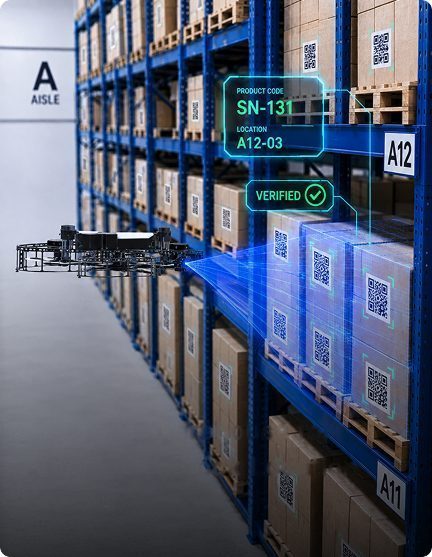
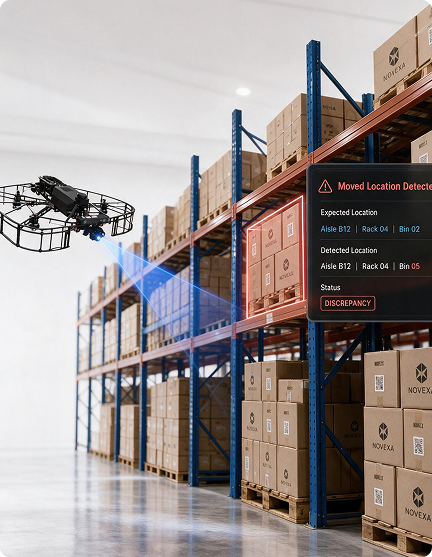
Before picking begins, a Singapore distribution centre can use a drone to scan visible QR codes on cartons and compare their rack locations with warehouse records. If a carton expected in bay A-03-04 is scanned one bay over in A-03-05, the team knows where to check before preparing the next delivery.
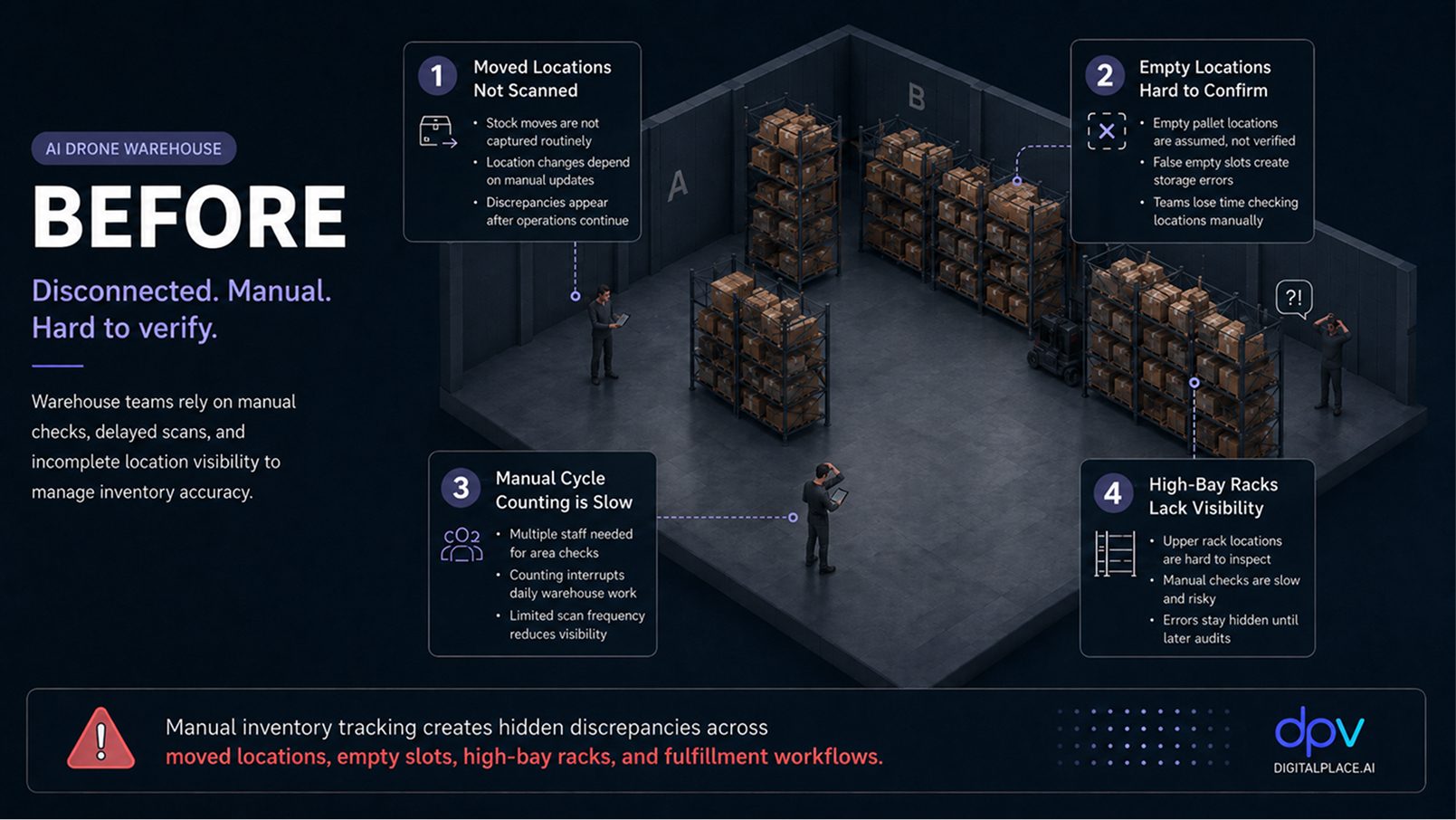
Manual vs Drone Cycle Counts in Singapore Warehouses
Compare how warehouse teams check high-bay racks by hand or by drone, from confirming empty slots to finding pallets stored in the wrong bay.
Measuring the Impact of Drone Stocktakes
For Singapore distribution centres, four measures help assess the value of drone stocktakes: cost per count, time needed to check high-bay racks, pallet QR code detection and investment payback.
>30%
Lower Stocktake Costs
Drone scans reduce the staff time needed to check high-bay racks, lowering the cost of each stocktake.
8x
Faster Stocktakes
Scan more rack locations per shift, giving warehouse teams more time to investigate discrepancies before the next dispatch.
100%
Carton QR Code Detection Rate
The drone scans QR codes on cartons to help warehouse teams verify the rack location of each scanned carton.
<3YR
Payback Period
Savings from repeated stocktakes help recover the initial investment. Payback depends on how often the site counts stock and what each manual count costs.
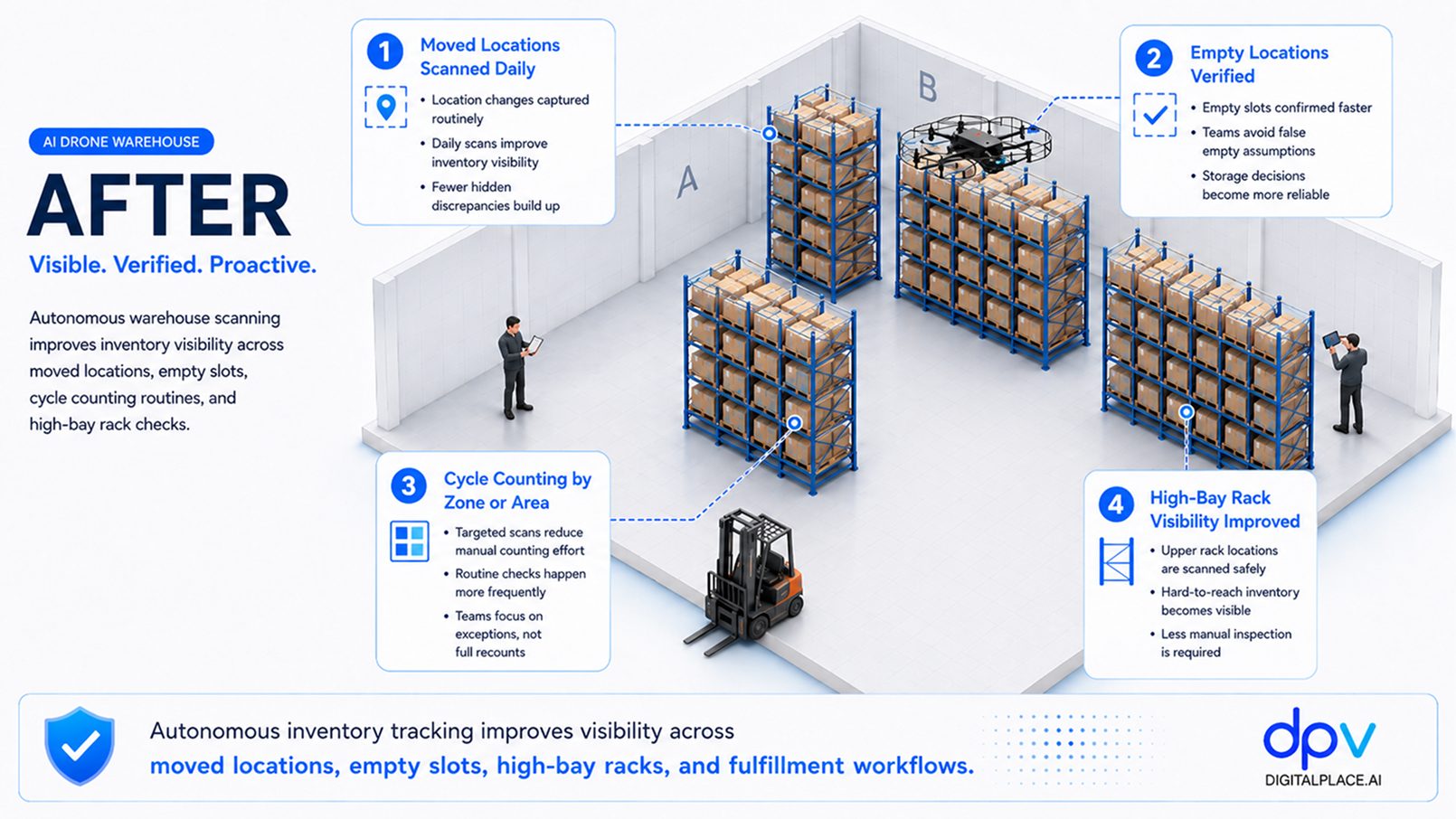
Our Inventory Tracking solution helps your warehouse team to:
Verify moved inventory locations with high confidence
Full facility scans without disrupting daily operations
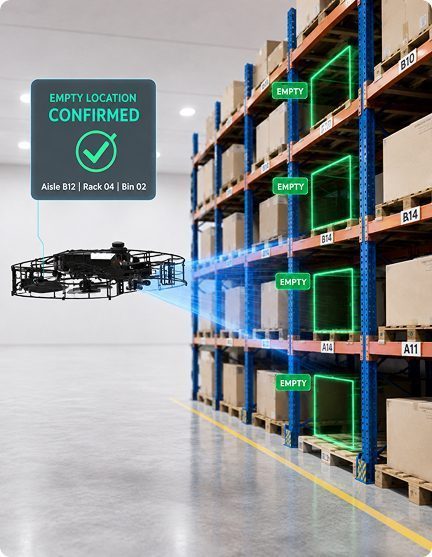
Confirm empty locations and reduce miscount errors
Four Drone Inventory Checks for Singapore Distribution Centres
Between inbound deliveries and outbound dispatches, warehouse teams need to know which high-bay locations hold the expected stock and which are free for the next delivery. Drone scans read QR codes on cartons and help teams check rack locations against inventory records.
Verify Carton Locations After Putaway
Scan the QR code on a carton and check that its rack location matches the putaway record.
Find Stock in the Wrong Bay
When a scan finds a carton in a different bay from the one on record, the team can investigate before the next pick
Confirm Empty Bays Before Receiving
Check which rack bays are physically empty before assigning space to the next inbound delivery.
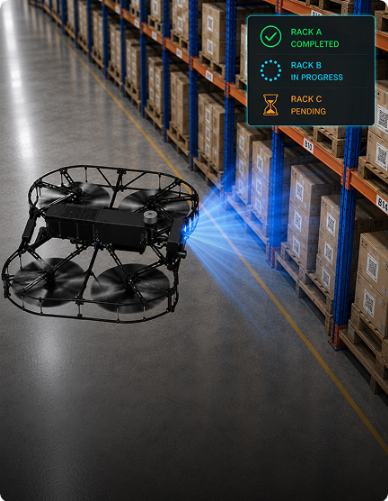
Run Cycle Counts by Aisle
Scan high-bay locations one aisle at a time and direct follow-up checks to discrepancies before the next dispatch.
FAQ
Frequently Asked Questions
What can a warehouse inventory drone check before picking begins?
For a Singapore distribution centre supplying several outlets, a useful first check is whether stock for the next delivery is in its assigned rack bay. The drone reads visible QR labels on cartons as it scans the racks. If a label appears in a different bay from the one on record, the picking team knows where to look.
How does the drone check stock on high racks?
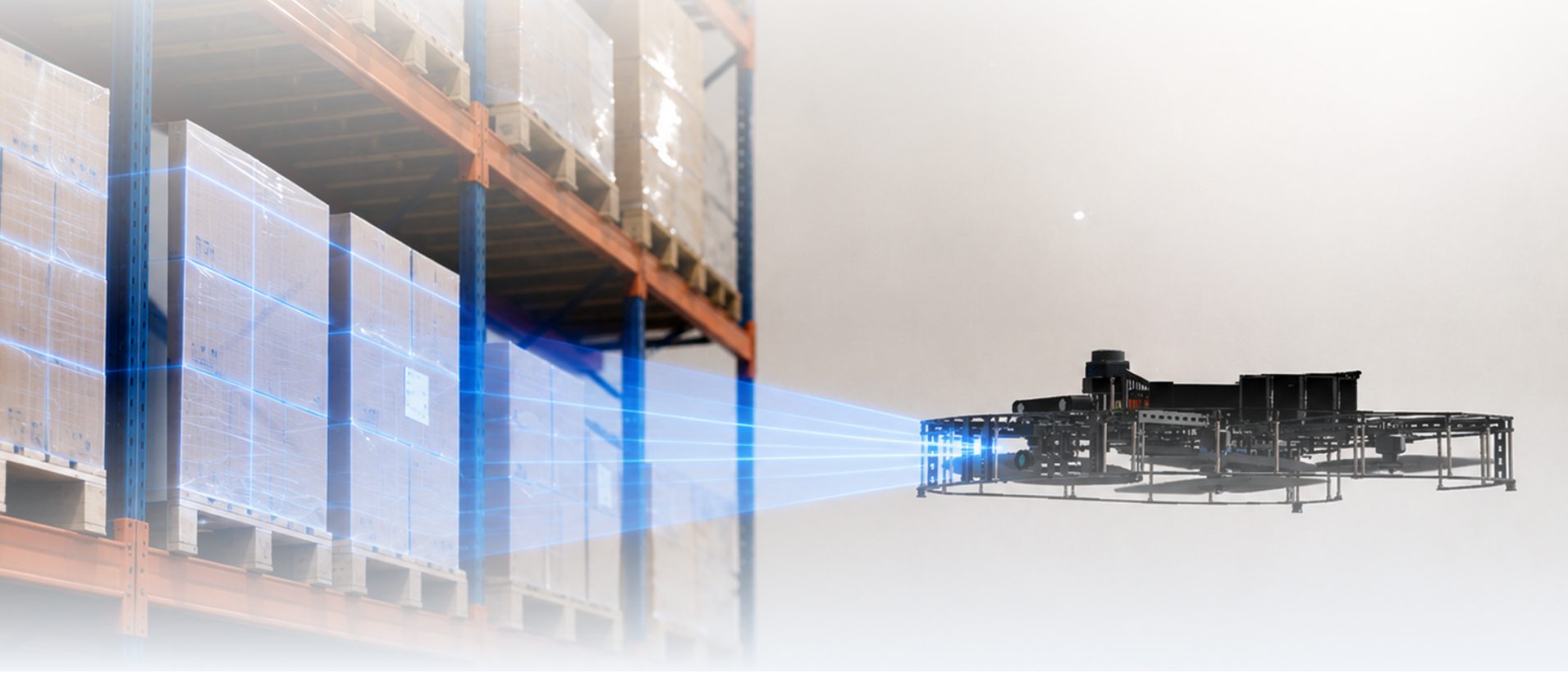
The drone follows a route configured for the warehouse’s aisle layout and rack heights. It scans aisle-facing labels at the selected rack levels and records where it reads them. The team can repeat the same route for the next cycle count and compare results for the same bays over time.
Do we need GPS or new warehouse Wi-Fi for a pilot?
The drone navigates indoors without GPS, and a standard deployment does not require new warehouse Wi-Fi infrastructure. Pilot preparation focuses on the aisles and racks you want to check. Access to scan results and any connection to your warehouse management system (WMS) can be planned separately.
Start with the measurements for one representative aisle. Current deployment guidelines specify an aisle width of at least 2 metres, rack heights of up to 20 metres and at least 0.6 metres between rack levels. The site assessment also checks airflow and anything protruding into the flight path, such as loose stretch wrap.
Can the drone operate in cold storage, frozen warehouses, or dusty environments?
The solution is currently validated for standard warehouse environments between 10°C and 45°C, with or without air conditioning. Warehouses below 10°C and extremely dusty environments are not currently recommended and should be evaluated separately before deployment.
What should we do if the scan and our WMS show different locations?
Suppose the WMS lists a carton in bay A-03-04, but the drone reads its QR code in A-03-05. Check the two bays and review the most recent stock movement. Once the team confirms what happened, it can return the stock to its assigned bay or update the location record. Scan results can be reviewed in the platform or shared with the WMS, depending on the integration.
Which parts of a cycle count still need warehouse staff?
The drone handles repeated aisle scans and captures visible label and location data. Staff can then focus on cases that need judgement, such as an unreadable label, a bay that appears empty despite a stock record, or a carton found one bay over. Those findings give the team a specific location to investigate.
If the drone cannot read a carton’s QR code, how can we tell whether the rack bay is empty?
A missing QR read alone cannot confirm that a bay is empty. A carton may still be there with its label facing away from the aisle or partly covered by stretch wrap. Before allocating the bay to an incoming delivery, your team can check the drone’s scan result against the WMS record and ask a warehouse team member to verify that specific location if the two do not agree.
Can inventory checks be performed while normal warehouse operations continue?
Yes. The solution is designed for recurring inventory verification with minimal operational interruption rather than turning every inventory check into a major stocktake project. Warehouse operating procedures and flight areas should still be defined during deployment to ensure safe operation alongside normal warehouse activity.
What should we measure in a first warehouse drone pilot?
Choose one aisle and record how long the current manual check takes. For the drone pilot, measure how many expected labels were read, how many location discrepancies staff confirmed, and how much staff time went into checking exceptions. Comparing the full task, from scanning through follow-up, gives you a practical basis for deciding whether to expand to more aisles.