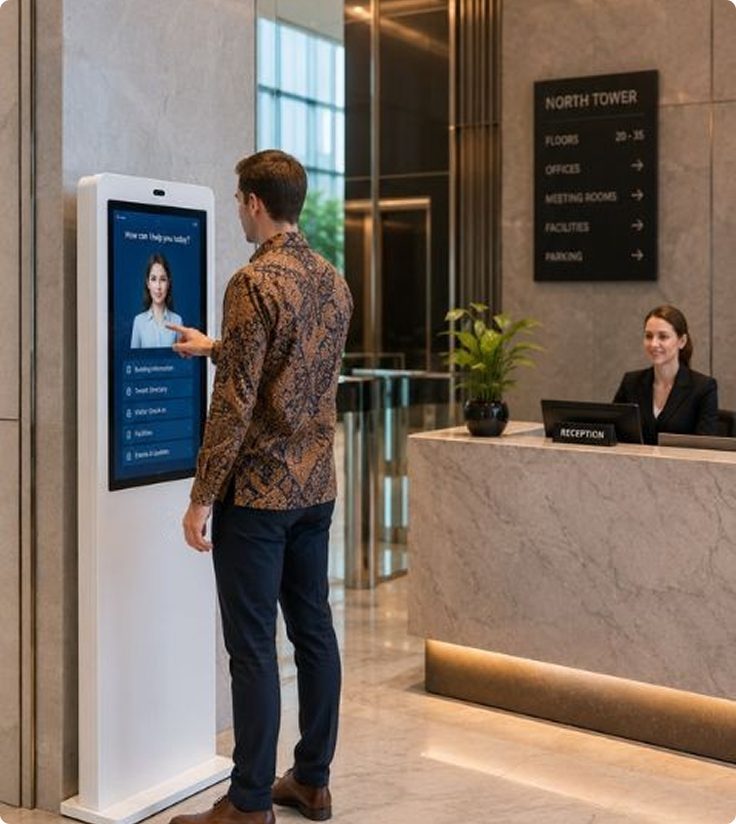
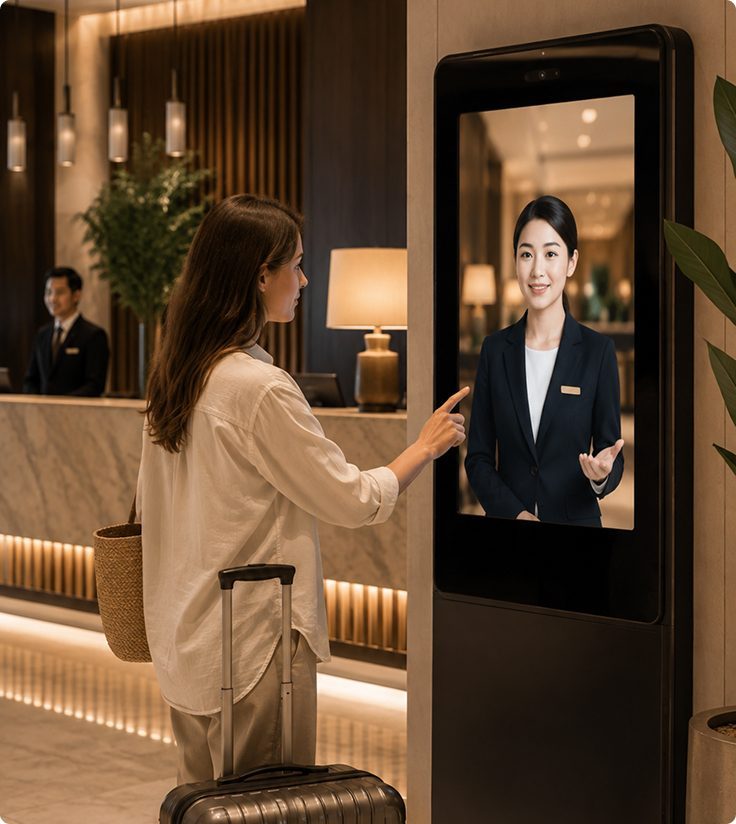
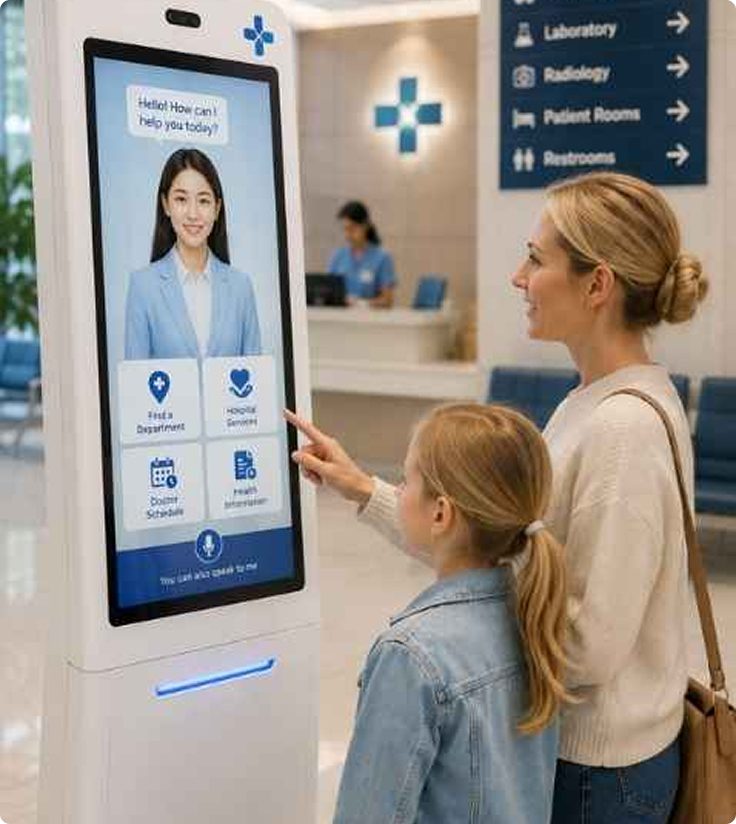
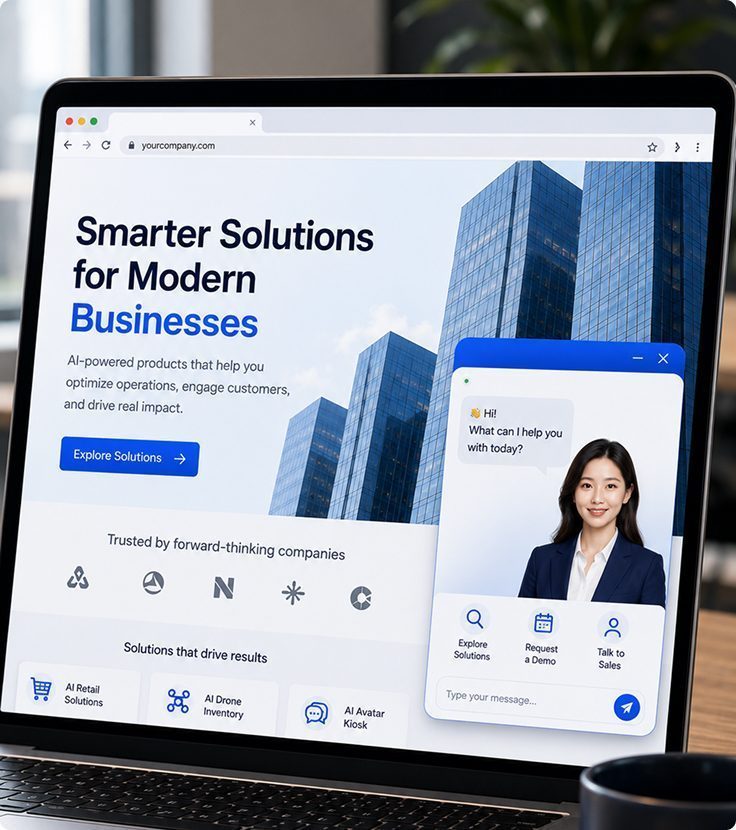
AI avatars help customers, visitors, and prospects get fast, consistent answers across websites and physical locations—while reducing repetitive inquiries for staff.
The Technology Behind AI Avatar
Conversational AI Engine
Understand customer questions and provide relevant, context-aware responses.
Connected Business Information
Bring business information, services, and systems together in one AI experience
Context-Aware Guidance
Natural gestures, expressions, and responses for more engaging interactions.
Help Shoppers Choose Before They Reach the Checkout
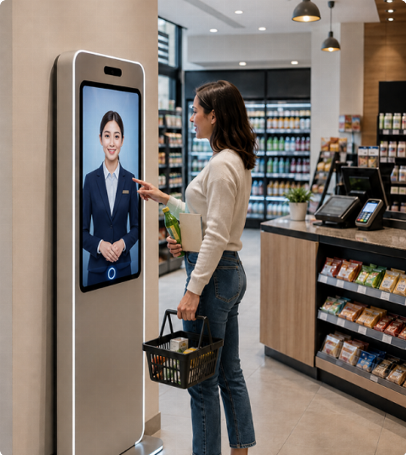
Help shoppers get product, promotion, and store information through a conversational AI avatar—while reducing repetitive inquiries for frontline staff.
Promotion Terms
Explain which pack sizes qualify, how long the offer runs and whether shoppers need to scan a membership card at checkout
Quick Answers on the Shop Floor
Shoppers can check accepted payment methods or find the service counter while cashiers continue serving the queue.
Product Comparisons
If a shopper asks for an unsweetened drink, the avatar can suggest options from the outlet’s catalogue and explain how the pack sizes differ.
Store & Service Assistance
Provide quick answers about product locations, membership programs, payment options, returns, and other store services.
Help Mall Visitors Find the Right Place Before Their Next Stop
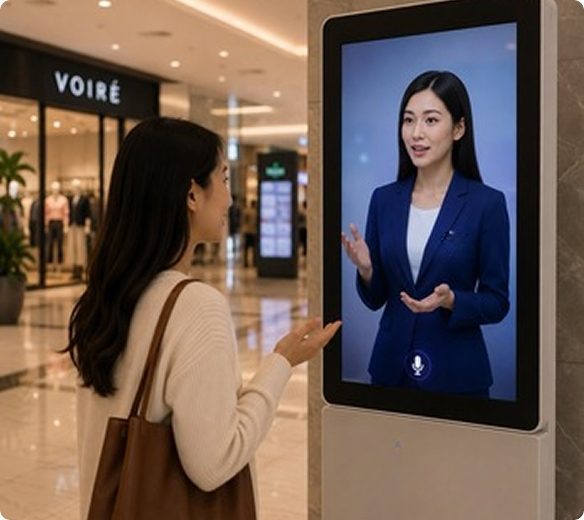
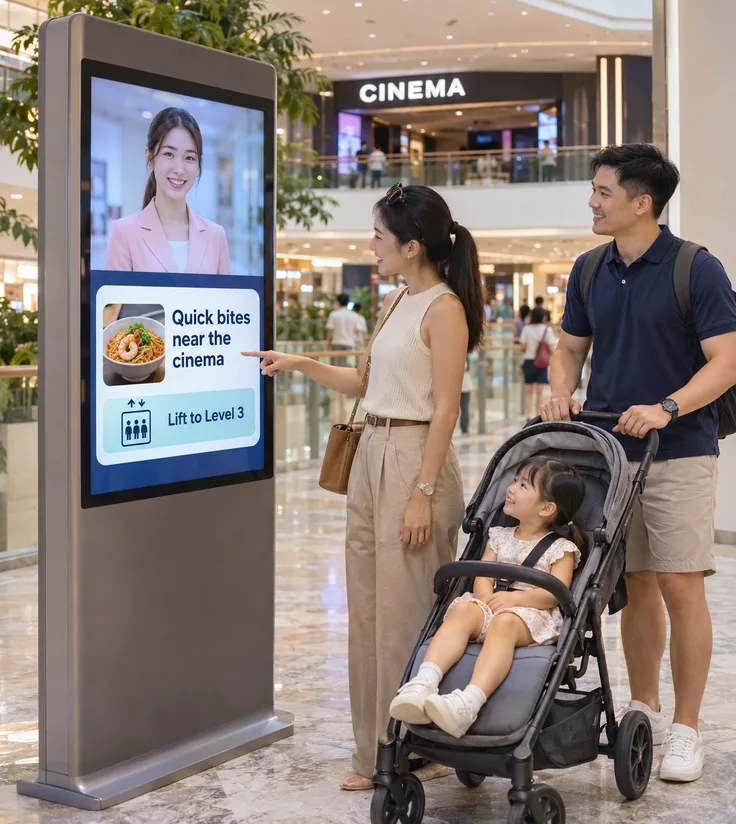
A family with half an hour before a film might ask, “Where can we have a quick meal near the cinema?” A mall directory lists tenants alphabetically. An AI avatar can use the dining directory and floor guide to suggest nearby options and explain how to get there with a stroller
Find a Tenant by What You Need
Visitors can ask where to buy a phone charger or find a child-friendly restaurant, even when they do not know the shop name.
Check Which Offers Apply
Explain which tenants are participating in a promotion, the minimum spend and where shoppers can redeem an offer.
Routes Through the Mall
Give directions from a named entrance or lobby. For visitors with a pram or wheelchair, include the lift route provided by mall management.
Parking and Visitor Services
Answer practical questions such as “Where do I redeem parking?” or “Which level has a nursing room?” using the mall’s own visitor guide.
Guide First-Time Visitors from the Lobby to Their Meeting
A meeting invitation may give a company name and floor without telling a visitor which tower entrance to use. Before arrival, the website avatar can explain where to check in. At the lobby kiosk, visitors can ask which reception desk or lift bank serves their host’s office.
Check-In Instructions
Where host notifications are enabled, the check-in process can alert the person expecting the visitor and tell the visitor where to wait.
Tower and Lift Directions
Use the tenant’s tower, floor and lift bank to give directions that a first-time visitor can follow from the lobby.
Let the Host Know
Notify the host upon arrival and share verified visitor details with the tenant for a smoother, more connected check-in experience.
After-Hours Arrivals
Someone arriving for an evening meeting can check which entrance is open, where to report and how to reach building reception.
Help guests access hotel information, services, directions, and recommendations through a conversational AI avatar—while reducing repetitive inquiries for frontline staff.
Late Arrival Information
Guests arriving after midnight can check which entrance to use and where to find the night reception desk.
Breakfast and Hotel Facilities
Answer the details guests need to plan their morning, such as where breakfast is served, when the pool opens and which lift serves the gym.
Guest Questions in Supported Languages
Guests can ask about luggage storage, breakfast or check-out in a language enabled by the hotel. Each answer should reflect the same property policy.
Requests for the Front Desk
For a late check-out or room change, explain how to contact the front desk so staff can confirm availability for that guest’s stay.
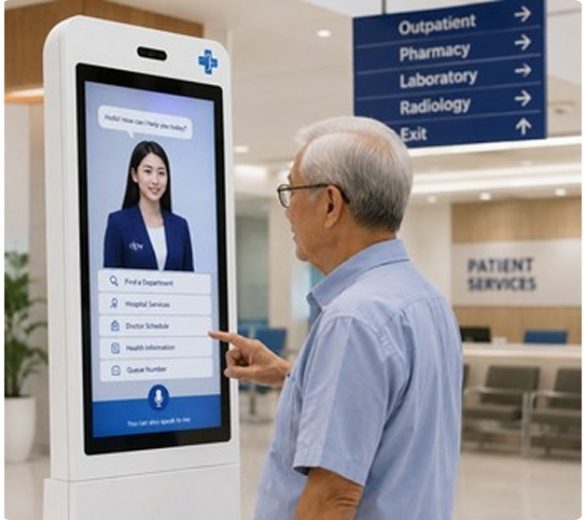
An appointment letter may name a clinic, but a first-time patient may still need to know which block to enter and whether to register before going upstairs. An avatar on the hospital website or at the entrance kiosk can explain that journey using the hospital’s visitor information.
Clinic and Registration Counters
Help a patient match the clinic name on their appointment letter to the correct block, level and registration counter.
Routes Between Facilities
Give directions for the next part of a visit, such as getting from the specialist clinic to the outpatient pharmacy or pick-up point.
Clinic Hours and Appointment Enquiries
Share published clinic hours and direct patients to the appointment desk for questions about their own booking or a change of date.
Information for Family Visitors
Family members can check ward visiting hours, visitor registration steps and the entrance to use before travelling to the hospital.
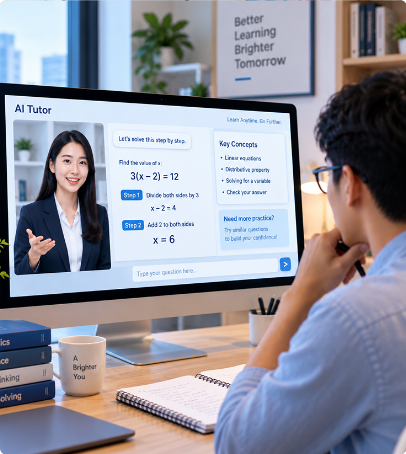
Provide learners with personalized, on-demand support for questions, learning materials, and training—while making teaching and training more scalable.
24/7 Guided Learning
Give students access to explanations and clarification anytime, beyond classroom and lecturer hours.
Personalized Learning Support
Adapt explanations and guidance to each student’s questions, understanding, and learning needs.
Progress & Learning Gap Tracking
Track learning progress and identify topics where students may need additional support.
Scalable Teaching Support
Support more students without requiring the same increase in lecturer workload or academic support capacity.
Your AI Avatar, Built for Every Interaction
A customizable AI avatar that can engage, assist, and guide customers across digital and physical spaces.
24/7
Availability
A customizable AI avatar that can engage, assist, and guide customers across digital and physical spaces.
100%
Customizable
Customize the avatar, knowledge, personality, & experience for your brand.
Custom Knowledge & Responses
Dynamic, Natural Gestures & Expressions
API & System Integration
FAQ
Frequently Asked Questions
What is an AI Avatar?
The AI Avatar can be deployed across websites, self-service kiosks, customer service points, retail stores, offices, and learning environments. The experience can be adapted to each channel while maintaining consistent information, branding, and interaction flows.
How is an AI Avatar different from a traditional chatbot?
Unlike a traditional text-based chatbot, an AI Avatar provides a more interactive and human-like experience through natural conversation, visual presence, and guided assistance. It can help users navigate information, compare options, answer contextual questions, and complete specific journeys rather than simply responding with predefined text.
How does an AI Avatar handle product discovery, recommendations, and lead qualification on a website?
The AI Avatar can understand what visitors are looking for through conversational questions, then guide them toward relevant products, services, or solutions based on their needs. It can also collect predefined qualification information, identify higher-intent visitors, and guide qualified leads toward the appropriate next step, such as an inquiry or sales conversation.
How does an AI Tutor use an organization’s learning materials and track learner progress?
An AI Tutor can be configured around approved learning materials, internal knowledge, and training content so its responses remain aligned with the organization’s curriculum. It can guide learners through topics, answer questions, support assessments, and track defined learning activities or progress when integrated with the organization’s learning systems.
Can the AI Avatar be customized and connected to our systems?
Yes. The AI Avatar can be customized to reflect your brand, use cases, conversation flows, and approved knowledge sources. Depending on the implementation, it can also integrate with existing systems such as product databases, CRM, knowledge bases, booking platforms, or other business applications to provide more relevant and actionable interactions.
How can an AI Avatar improve my customer experience?
An AI Avatar gives customers faster access to information and guidance without requiring them to search through multiple pages or wait for assistance. It can provide consistent support across common questions, product discovery, promotions, and service inquiries, while allowing human teams to focus on situations that require more complex or personalized attention.